Song Master 2.1 Released
· 3 min read
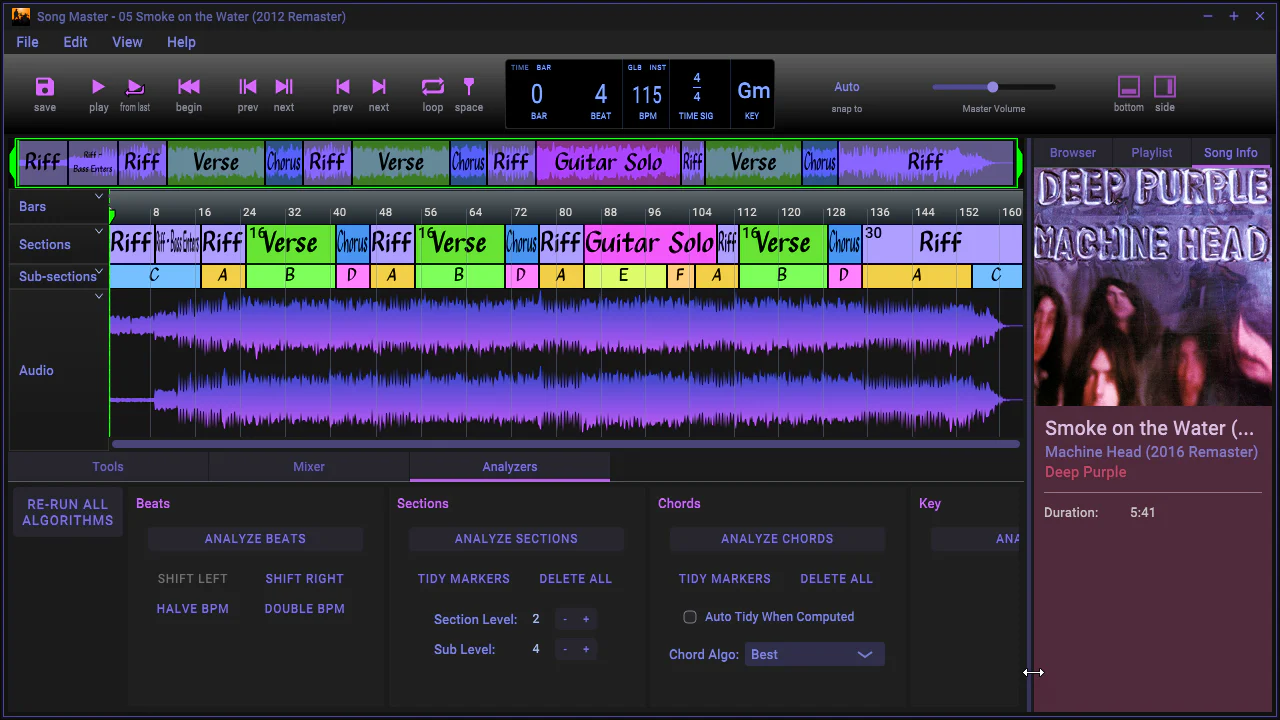
We continue to improve Song Master to give you the best tools for improving your enjoyment and playing of music. For this release we went back to the drawing board to focus on improving the sections algorithm.
posts about news and announcements
View All TagsWe continue to improve Song Master to give you the best tools for improving your enjoyment and playing of music. For this release we went back to the drawing board to focus on improving the sections algorithm.
We've been hard at work improving the beat detection and chord recognition algorithms for this release. We had also planned on including improvements to the section determining algorithm as well, but it still needs some more work. So instead of delaying this release any further, we've decided to release things without the improvements to the section algorithms--we'll release a free update when we are satisfied with the results.

This is primarily an update that fixes a couple of crashes and a handles a number of things better.
The latest update to Song Master introduces the ability to view individual stem tracks in the Audio view, complete with solo and mute buttons, as well as customizable labeling and ordering options. You can now generate, load, and manipulate external stems, with support for .mogg files and the option to save stems as .wav or .ogg. The update also includes improved waveform rendering, a Zoom to Fit feature, and enhanced UI scaling options, along with numerous other improvements and bug fixes to streamline your audio editing experience.
We've been busy getting Song Master to run natively on Apple's M1 processor...and we've optimized many algorithms so it runs fast!

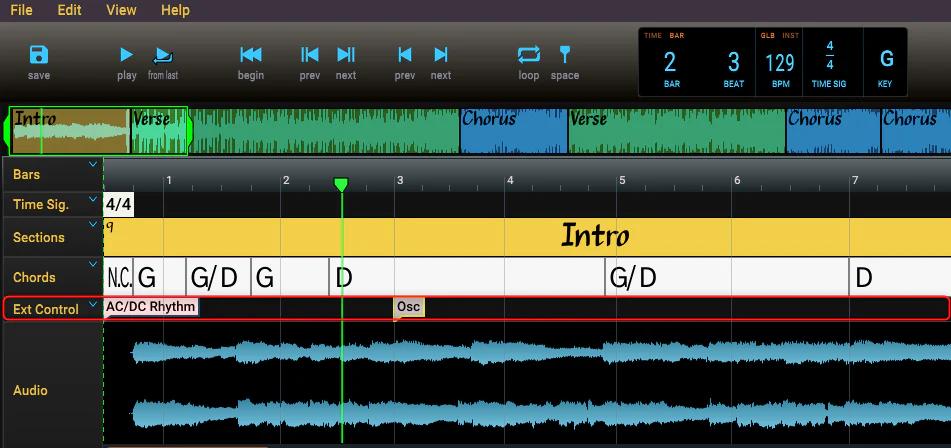
The Controllers Track allows you to send midi and OSC messages to applications and external devices. This allows you to send "patch" changes to your music applications and devices such as the AXE FX, Kemper profiler, Line 6 and Boss 6 multi-fx pedals, and any other pedal that supports MIDI in. If you have an application that acts as an OSC server, you can use the Controller track to send OSC messages to control the application.

We've added a number of useful features for displaying and manipulating the chords in the Chord track.
New: Chord Notations - We've added the option to display the chord names using Roman numerals and Nashville notation along with the traditional notation.
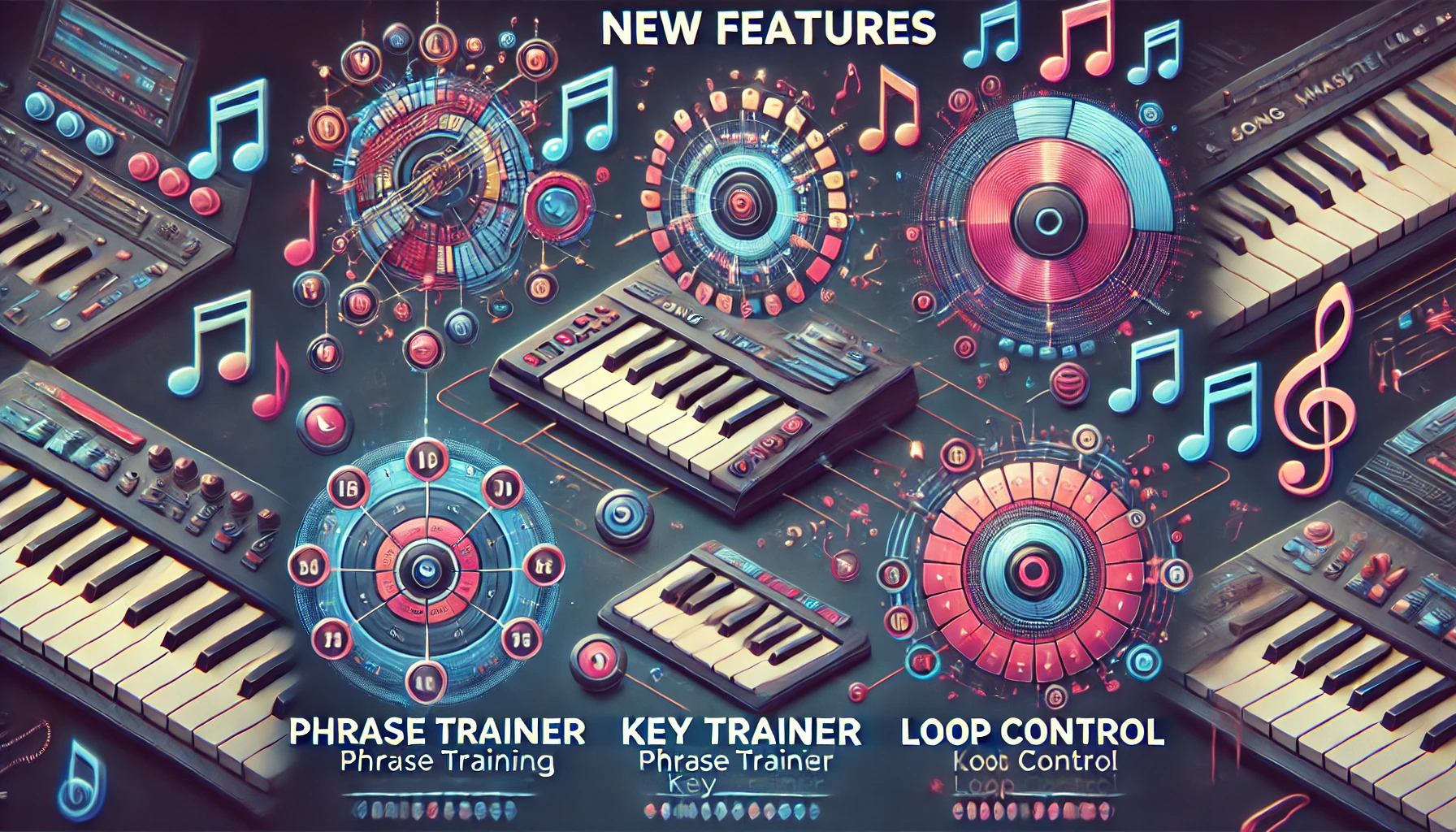
New: Phrase Trainer simplifies learning to play a section by slowing the song down and gradually increasing the tempo. You specify the starting and ending tempos and the amount to increase the tempo after each play.

New: Key Trainer will rotate a song section through a series of key changes. Great for improving your ability to transpose and solo over changing key centers.
